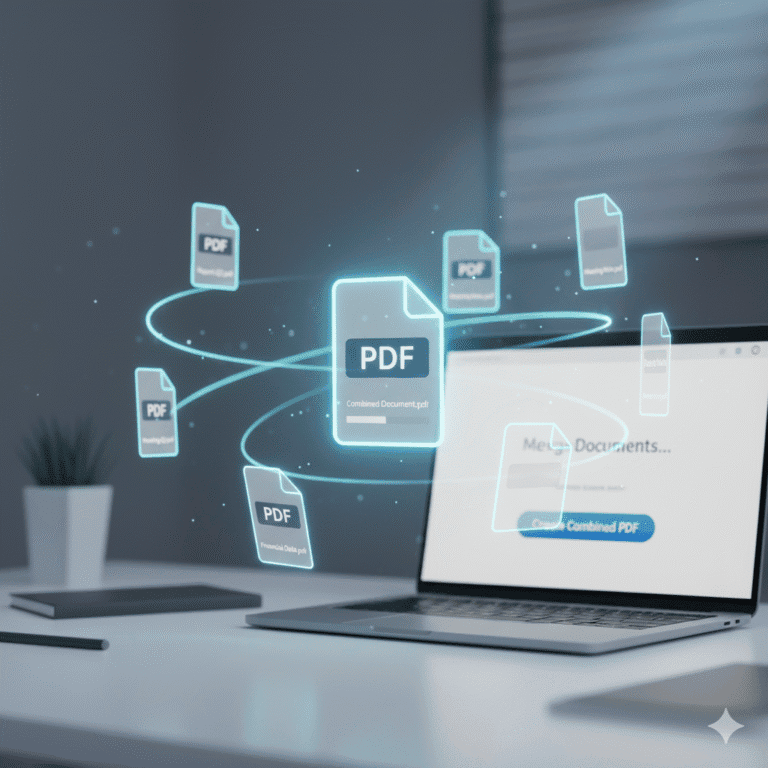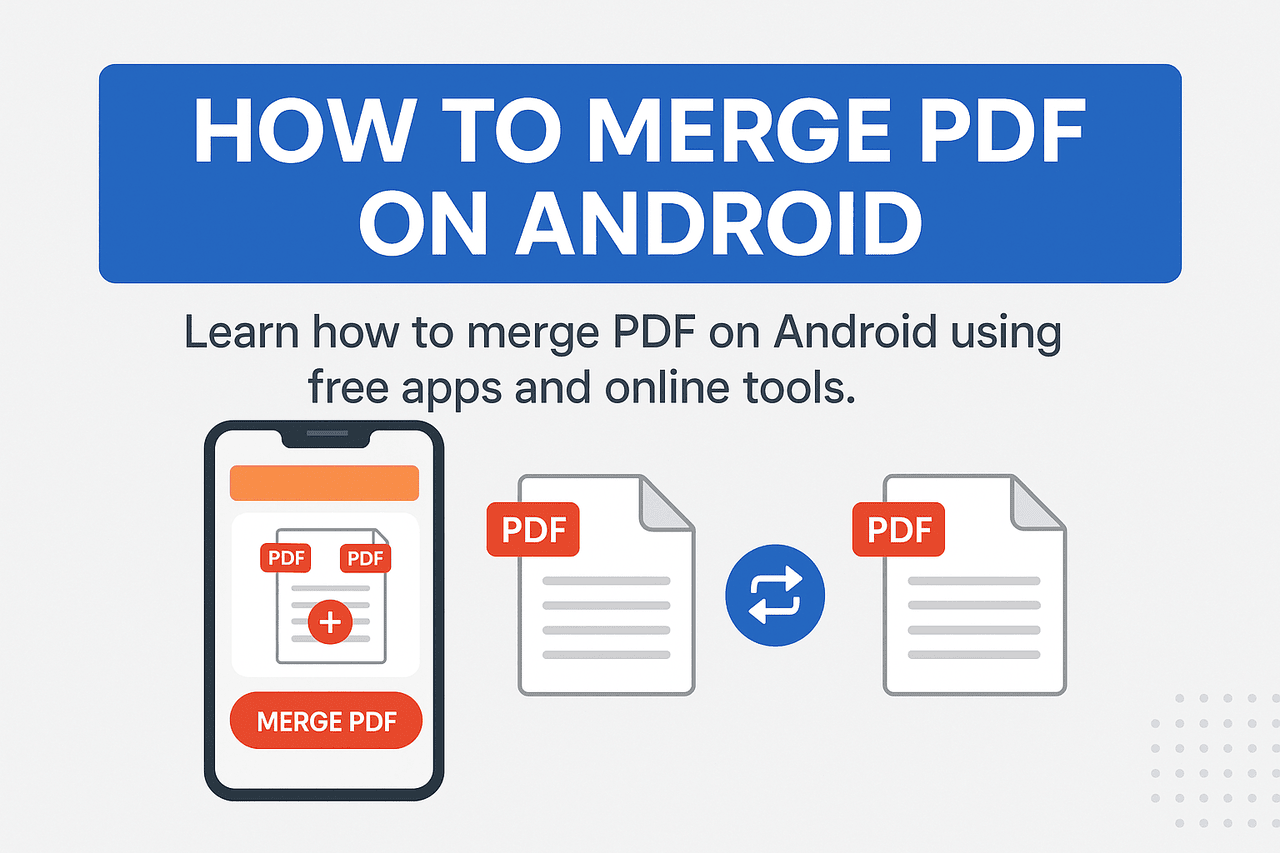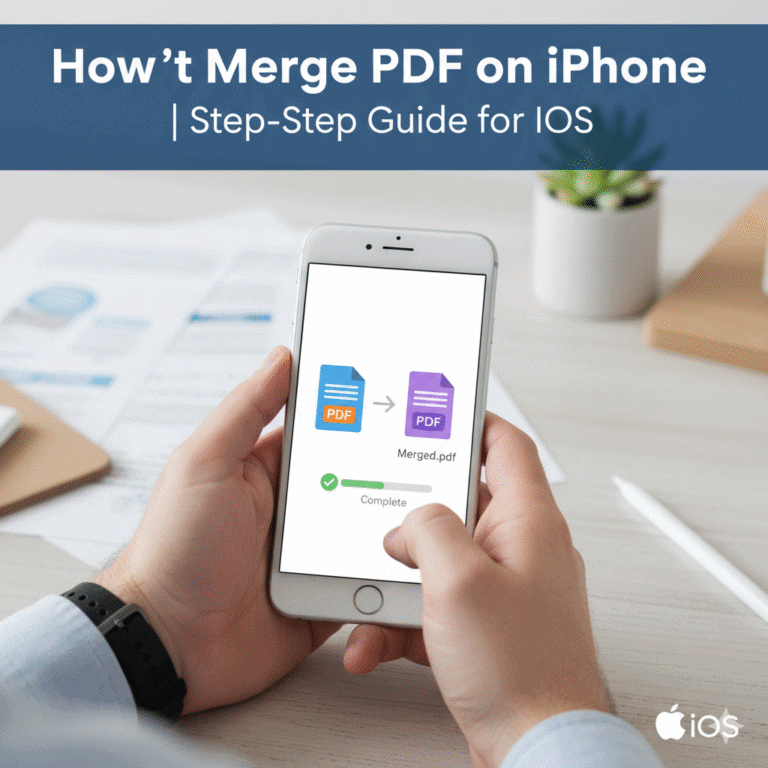
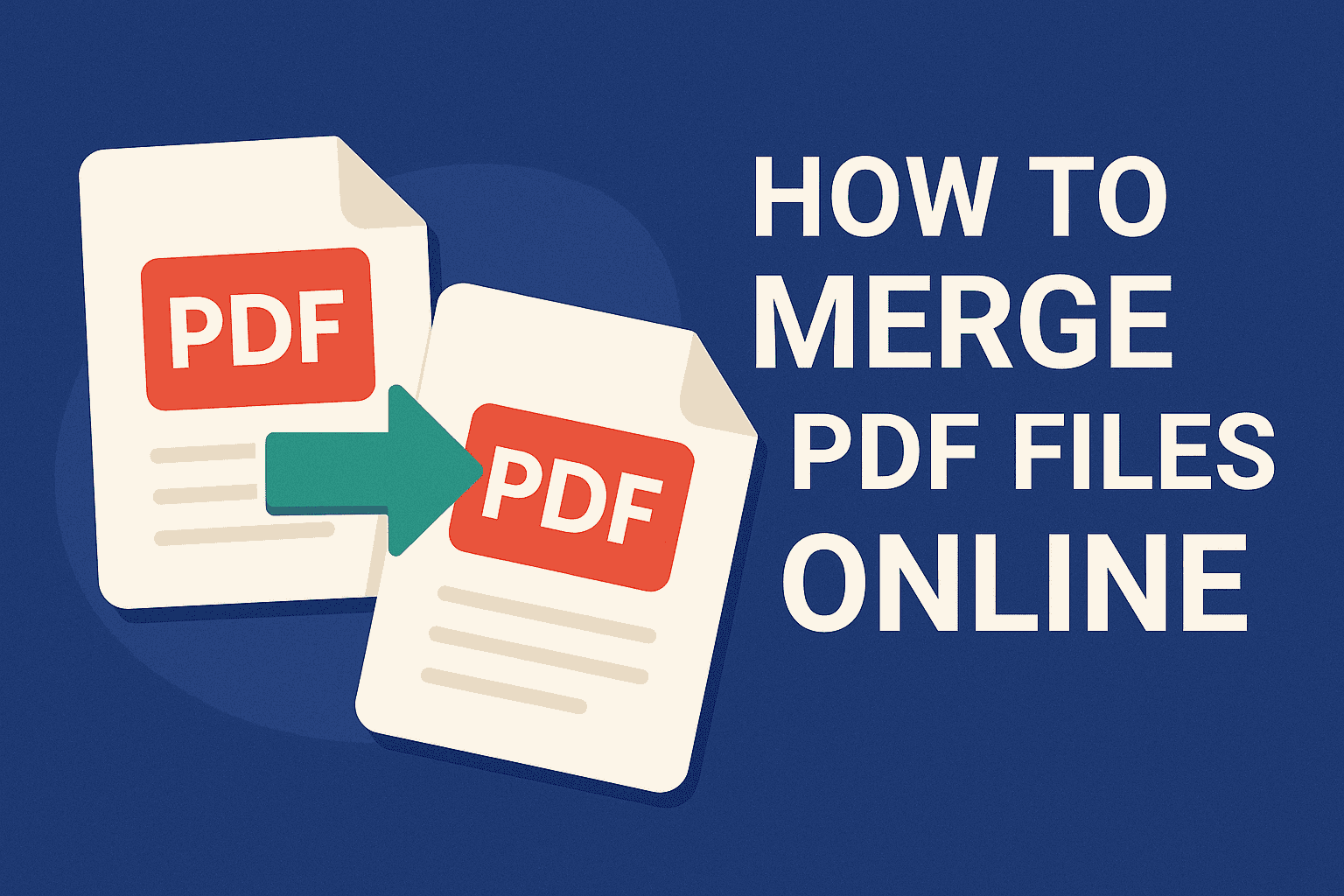
Merging multiple PDF files into a single, organized document has never been easier — or more essential. Whether you’re combining contracts, study notes, or reports, online PDF merging tools let you handle the task in seconds without installing heavy software.
In this guide, we’ll walk through how to merge PDF files online safely and efficiently, explore the best free tools to use in 2025, and share tips to preserve document quality and privacy.
Why Merge PDF Files Online?
If you deal with documents regularly, you already know the struggle — dozens of separate PDFs cluttering your folders. Merging them online offers key benefits:
- ✅ No software installation: Works directly from your browser.
- ⚡ Fast & accessible: Combine files from any device (Windows, macOS, mobile).
- 🔒 Secure uploads: Trusted services use encrypted transfers and automatic deletion.
- 💾 Maintains quality: Many tools preserve original resolution, fonts, and layout.
Whether you’re a student merging lecture notes or a professional compiling reports, online PDF mergers streamline your workflow effortlessly.
🛠️ Step-by-Step: How to Merge PDF Files Online
Step 1: Choose a Reliable Tool
Pick a trusted online service such as:
- Adobe Acrobat Online
- SmallPDF
- Stirling PDF (Open-source option)
- PDF24 Tools
Step 2: Upload Your Files
Drag and drop all the PDF files you want to combine into the upload area.
Most platforms support multiple uploads simultaneously.
Step 3: Arrange File Order
Reorder your files by dragging thumbnails into the sequence you prefer — for instance, front cover first, followed by chapters or sections.
Step 4: Merge and Download
Click “Merge” or “Combine”, wait a few seconds, and download your single, merged PDF file.
Many tools also give you the option to save directly to cloud storage like Google Drive or Dropbox.
🧠 Pro Tips for Merging PDFs Without Losing Quality
- Use high-quality source files.
Blurry scans or compressed PDFs can’t be fixed after merging. - Avoid re-saving repeatedly.
Each re-save can reduce resolution — merge once, then archive. - Check security settings.
If your PDFs are password-protected, remove the restriction before merging. - Verify file order post-merge.
Quickly review the final merged file to ensure pages appear correctly. - Choose trusted tools only.
Stick to well-known names (Adobe, SmallPDF, Stirling PDF). Avoid unknown sites that don’t mention encryption or auto-deletion.
🔍 Best Free Online PDF Merge Tools (2025 Edition)
| Tool | Highlights | Ideal For |
|---|---|---|
| Adobe Acrobat Online | Polished UI, secure, fast, no watermark | Professionals & teams |
| SmallPDF | Free merging, drag-and-drop, no sign-up | Students & casual users |
| PDF24 Tools | Desktop + web versions, privacy-friendly | Privacy-conscious users |
| Stirling PDF | 100% open-source, runs locally if needed | Developers & tech users |
| iLovePDF | Batch merge + cloud storage support | Frequent PDF users |
⚖️ Free vs Paid Tools — What’s Worth It?
While free tools are excellent for quick merges, premium options (like Adobe Acrobat Pro or Soda PDF) offer additional benefits:
- Batch processing (hundreds of files)
- Built-in editing and OCR
- Cloud sync across devices
- Higher file size limits
If you regularly work with PDFs, a paid plan may save time and improve efficiency.
❓ FAQ: Common Questions About Merging PDFs
Q1. Is it safe to upload confidential PDFs online?
Yes, if you use reputable services that use HTTPS encryption and delete files after processing.
Q2. Will merging reduce my PDF’s quality?
No — most top tools retain the original quality, resolution, and fonts.
Q3. Can I merge PDFs on mobile?
Absolutely. Tools like SmallPDF and iLovePDF have mobile-optimized web apps and Android/iOS versions.
🏁 Final Thoughts
Merging PDF files online is one of those small digital habits that can dramatically simplify your workday.
With reliable tools like Adobe Acrobat Online, SmallPDF, or Stirling PDF, you can combine documents quickly while keeping them secure and high-quality.
💡 Pro Tip: Bookmark your favorite PDF merger — the few seconds it saves every time add up fast.